Glare Reduction
Home Office
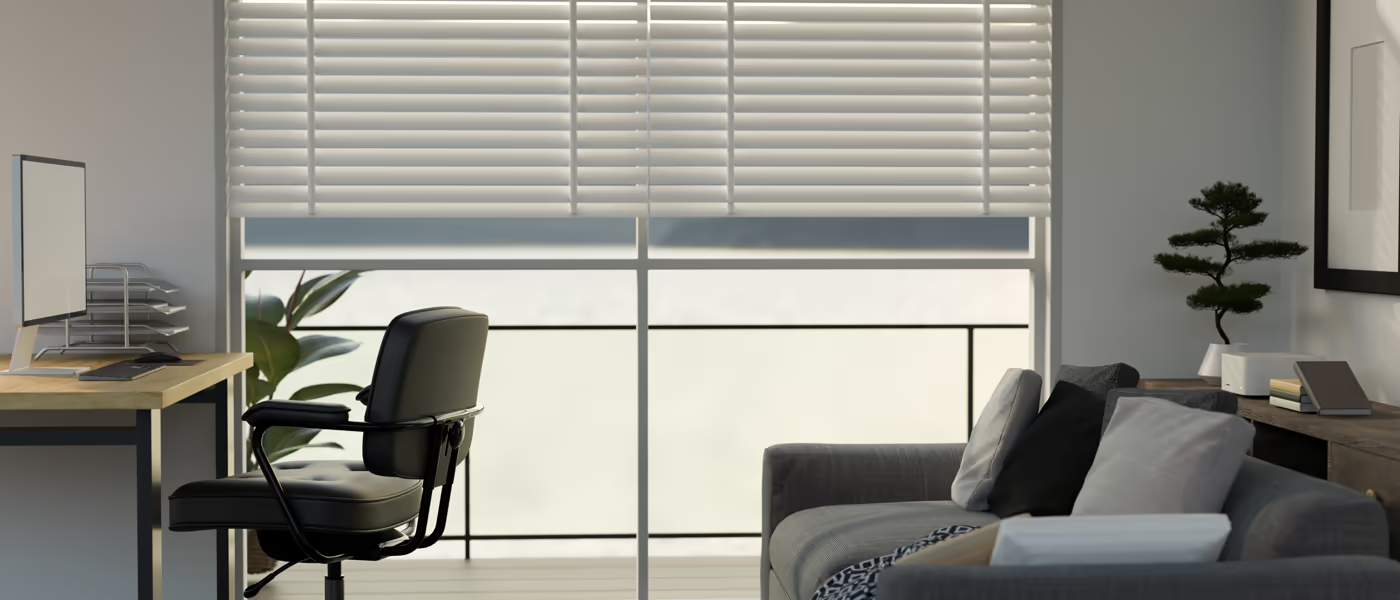
A home office should reduce harsh reflections on a monitor without forcing you to work in a dark room. Solar shades, adjustable blinds and other light-filtering treatments can soften the problem while preserving different levels of exterior view and daylight.
Discount Best Blinds and Shutters evaluates the direction of the window, desk position and time of day when glare is worst. That lets us choose the fabric or vane control around the actual screen instead of using a generic “office shade.”
Get a Free Quote
Home Office Window Treatments
We look at where the screen sits relative to the glass before selecting openness or opacity. Sometimes moving the shade only partway or changing vane angle is enough.
We hold openness samples at the actual glass and look toward the screen position. The goal is the least aggressive fabric that solves the glare problem, not automatically the darkest option.
Window treatments are not studio lighting, but they can reduce the large brightness difference that makes video calls look inconsistent throughout the day.
Any claim about eye strain or productivity should be kept modest. A shade can change light and glare; workstation ergonomics, breaks, monitor settings and health concerns extend beyond the window.
Get a Free QuoteWhat to consider
The right fit for the space
Direct Light on a Screen Is a Window-Placement Problem as Much as a Fabric Problem
Glare can come from the sun itself, bright sky or reflections across the room. Closing an opaque blind solves it but may eliminate useful daylight. A solar fabric or adjustable slat can reduce the contrast while letting the room remain connected to the outdoors.
Choose Solar-Fabric Openness by Glare Level and Desired View
Tighter solar fabrics generally reduce more glare and provide stronger daytime screening, while more open fabrics preserve a clearer view. A small fabric sample can be misleading because the visual effect changes across a full window.
Use the Window to Improve, Not Fight, Video-Call Lighting
A bright uncovered window behind you can cause the camera to underexpose your face, while strong side light can create uneven contrast. A light-filtering or solar shade can soften that incoming light and make the room easier for the camera to balance.
Build a Comfortable Work Setup Around the Sun Path
West-facing offices may be comfortable in the morning and nearly unusable late in the day. East-facing rooms can have the opposite problem. Rather than leaving the treatment closed all day, a motorized or easily adjustable shade can change position only when the glare arrives.
Solar Shades Can Also Reduce Some Direct Solar Heat
The same fabric that cuts glare can reduce solar energy entering through the glass. The amount depends on fabric color, openness and glazing. Use verified manufacturer performance data rather than a universal utility-savings percentage.
Test Glare-Control Fabrics From Your Desk
Schedule an in-home consultation and we can compare solar, blind and light-filtering samples from the actual desk position while measuring the window for the final treatment.